
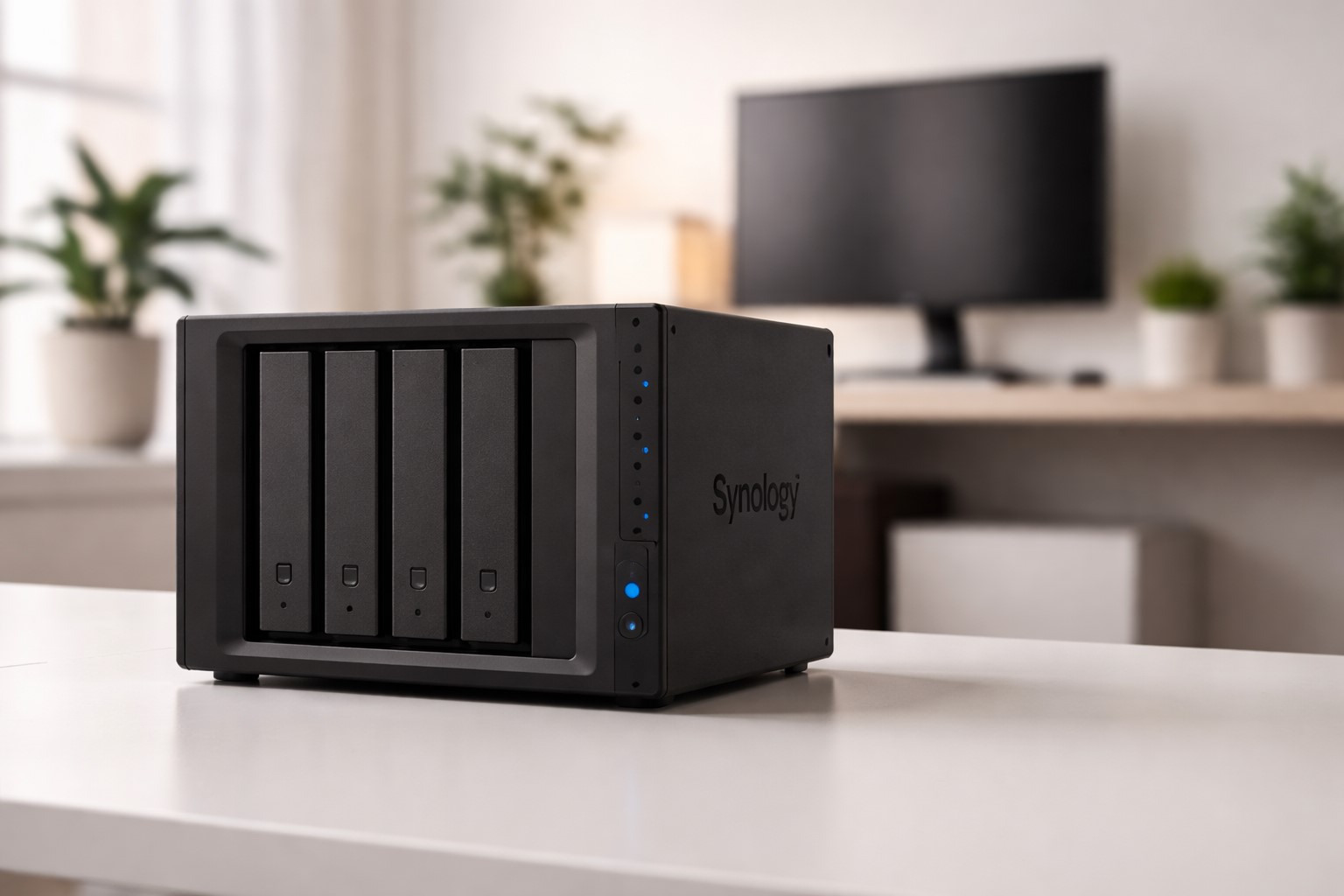
Half a year with my DS923+ — the good, the bad, and what I’d do differently.
Six months ago, I brought home a Synology DS923+ with four 4TB drives. I had dreams of a perfect home server: network storage, media streaming, backup hub, and maybe some light Docker experimentation. Now that the honeymoon phase is definitely over, here’s my honest take on whether a Synology NAS deserves a spot in your home lab.
What I Use It For
Before diving into the review, here’s my actual daily usage:
- File storage & backup: Centralized storage for documents, photos, and project files
- Plex media server: Streaming movies and shows to my TV and phone
- Photo backup: Synology Photos app replacing Google Photos
- Time Machine: Wireless Mac backups
- Docker containers: Running a few lightweight services (Node-RED, Home Assistant data bridge)
It’s not enterprise-grade usage, but it’s realistic for a tech enthusiast’s home setup.
The Good
Setup Was Surprisingly Painless
I expected RAID configuration and network setup to be painful. It wasn’t. Synology’s DSM (DiskStation Manager) walked me through everything. Within an hour, I had a functioning RAID 5 array and network shares accessible from all my devices.
DSM Is Excellent
I’ve managed Linux servers for years, but DSM genuinely feels polished. The interface is responsive, updates are smooth, and the Package Center makes installing services dead simple. It strikes a nice balance between “easy enough for non-technical users” and “powerful enough for nerds.”
Plex Works Flawlessly
Hardware transcoding on the DS923+ handles 4K content without breaking a sweat. I’ve streamed remotely over Tailscale while traveling, and it’s been rock solid. No more “why won’t this file play” troubleshooting sessions.
Synology Photos Is Good Enough
I’d been paying for Google Photos for years. Synology Photos isn’t as smart (no magic search), but it handles auto-upload from phones, facial recognition, and album creation competently. My photos are my photos now — no cloud dependency, no subscription fees.
The Not-So-Good
Hardware Transcoding Requires Extra
Here’s what nobody told me upfront: hardware transcoding (the thing that makes Plex smooth) requires a separate transcoding license for some codecs. It’s not expensive, but it’s annoying to discover after you’ve already spent $500+ on the hardware.
Memory Upgrade Is Almost Mandatory
The base 4GB RAM runs DSM fine, but try running more than a couple Docker containers and things get sluggish fast. I upgraded to 16GB within the first month. Factor that into your budget.
Write Speeds Over Network
Over Wi-Fi, large file transfers are… fine. Not amazing, just fine. If you’re planning to edit video directly off the NAS or do heavy file work, you’ll want wired connections or accept the performance trade-off.
Learning Curve for Advanced Features
Docker on Synology isn’t quite “real” Docker. The GUI is limited, and doing anything interesting means SSH-ing in and working around Synology’s quirks. It’s doable, but not seamless.
What I’d Do Differently
- Buy the RAM upgrade immediately: Skip the “maybe it’s fine” phase
- Plan for expansion: I filled 8TB faster than expected. Wish I’d started with larger drives
- Set up snapshots from day one: Accidentally deleted some files before I had proper versioning configured
The Verdict
After six months, do I recommend a Synology NAS?
Yes, with caveats.
If you want set-it-and-forget-it network storage with a polished interface, it’s excellent. If you’re a hardcore self-hoster who wants to run 20+ containers and tinker endlessly, you might outgrow it or get frustrated by the “walled garden” aspects.
For me — someone who wants reliable storage, media streaming, and light automation without becoming a part-time sysadmin — it’s been worth every penny. My data feels safer, my media setup is cleaner, and I’m not locked into cloud subscriptions.
Rating: 8/10 — Would buy again, but with upgraded RAM from the start.
Running a Synology NAS? Disagree with my take? Hit me up — always curious how other people configure their setups.